Getting started
This page takes you from a fresh checkout to a first paddock-scale
analysis. It covers installation, configuration, constructing a Troi,
running the full pipeline, and the layout of the outputs on disk.
Requirements
- Python ≥ 3.11 (3.11 or 3.12 recommended).
- Operating system: Linux, macOS, or WSL. Native Windows is untested — the geospatial stack (GDAL, PROJ, GEOS) is much easier to set up under conda on a POSIX environment.
- Disk: ~3 GB for a single year over ~5 km² (Sentinel-2 zarr + intermediate masks). Add ~2.5 GB for the SAM ViT-H checkpoint on first segmentation run.
- Memory: 8 GB minimum, 16 GB+ recommended for AOIs above a few square km. SAM on CPU peaks at ~6 GB.
- GPU (optional): SAM segmentation auto-detects CUDA; everything else is CPU.
ffmpegwith thelibopenh264encoder for the MP4 outputs (installed byenvironment.yml).
Install
Conda + pip (recommended)
The conda environment provides the native and ML stack (GDAL, PROJ,
GEOS, PyTorch, TensorFlow, Segment Anything, ffmpeg); pip install .
then pulls the lab packages — the shared
troi core (the Troi /
Config primitives) and the five machine-wide data stores
(pysentinel2,
pysilo,
pyozwald,
pycopdem,
pyslga) — from PyPI,
pinned to the releases tested with this version:
git clone https://github.com/johnburley3000/paddocktimeseries.git
cd paddocktimeseries
conda env update -n paddockts -f environment.yml   # creates the env if missing
conda activate paddockts
pip install .
From source (development)
To hack on the lab packages themselves, clone them alongside and
install everything editable (--no-deps stops pip re-fetching the git
pins over your local checkouts):
git clone https://github.com/thestochasticman/troi.git
git clone https://github.com/thestochasticman/pysentinel2.git
# ... and the other stores you plan to touch
git clone https://github.com/johnburley3000/paddocktimeseries.git
cd paddocktimeseries
conda env update -n paddockts -f environment.yml
conda activate paddockts
pip install --no-deps -e ../troi -e ../pysentinel2 -e .
Confirm the install:
Configure
PaddockTS reads optional configuration from ~/.config/Troi.json.
Defaults are sensible for a single-user laptop, so this step is
optional — only the SILO and SLGA stages require credentials.
| Setting | Default | Required for |
|---|---|---|
out_dir |
~/Documents/Troi-Outputs |
final outputs |
tmp_dir |
~/Downloads/Troi-Tmp |
intermediates + caches |
email |
unset | SILO climate stage |
tern_api_key |
unset | SLGA soils stage |
Example ~/.config/Troi.json:
{
  "out_dir": "/data/paddockts/outputs",
  "tmp_dir": "/data/paddockts/tmp",
  "email": "you@example.org",
  "tern_api_key": "<your-tern-key>"
}
Settings can also come from environment variables
(TROI_OUTDIR, TROI_TMPDIR, TROI_EMAIL,
TROI_TERN_KEY).
- SILO email is registered with the upstream service; any working address is fine.
- TERN API key is generated at https://account.tern.org.au/.
The Sentinel-2 → PaddockTS chain itself works without any credentials.
Pass a custom config from code
If you'd rather not write to ~/.config, build a Config and pass it
to your Troi:
from datetime import date
from troi.config import Config
from troi.troi import Troi

cfg = Config(
    out_dir="/data/paddockts/outputs",
    tmp_dir="/data/paddockts/tmp",
    email="you@example.org",
    tern_api_key="<your-tern-key>",
)

troi = Troi(
    bbox=[148.36265, -33.52606, 148.38265, -33.50606],
    start=date(2020, 1, 1),
    end=date(2021, 12, 31),
    stub="my_run",
    config=cfg,
)
Construct a Troi
Troi is the immutable, content-addressed object that flows through
every stage. There are three ways to build one.
From a bounding box
from datetime import date
from troi.troi import Troi

troi = Troi(
    bbox=[148.36265, -33.52606, 148.38265, -33.50606],  # [W, S, E, N]
    start=date(2020, 1, 1),
    end=date(2021, 12, 31),
    stub="my_first_run",
)
Bounding boxes are [west, south, east, north] in EPSG:4326 (decimal
degrees). Snapped to 3 dp internally (~100 m) so near-identical bboxes
share their downloaded Sentinel-2 cube.
From a centre point + buffer in km
troi = Troi.from_lat_lon(
    lat=-35.098087,
    lon=148.929983,
    buffer_km=2.0,            # ±2 km from centre on each axis (≈ 4×4 km AOI)
    start=date(2025, 1, 1),
    end=date(2025, 6, 30),
    stub="point_buffered",
)
From an existing paddocks file
If you already have field boundaries (GeoPackage, Shapefile, or GeoJSON):
troi = Troi.build_from_paddocks(
    paddocks_filepath="/path/to/paddocks.gpkg",
    start=date(2024, 1, 1),
    end=date(2024, 12, 31),
    stub="my_farm",
    label_col="paddock_name",   # column with human-readable IDs
)
The bbox is the envelope of all geometries (reprojected to EPSG:4326).
About the stub
If you omit stub, a SHA-256 hash of (bbox, start, end) is used —
two queries with identical inputs share outputs on disk. Pass an
explicit string for human-readable filenames. Stubs are registered in
{config.hash_file} and must uniquely identify a Troi; reusing a
stub for a different (bbox, start, end) raises ValueError.
Run the pipeline
Full run
The simplest entry point is get_outputs, which spawns the Sentinel-2
and environmental pipelines on parallel threads and shows a live
dashboard:
Common options:
get_outputs(troi, reload=True)        # delete tmp_dir + out_dir, then rerun
get_outputs(troi, show_log=True)      # render a tail-of-log panel
get_outputs(                           # skip SAM, use user-provided paddocks
    troi,
    paddocks_filepath="/path/to/paddocks.gpkg",
    skip_sam=True,
    label_col="paddock_name",
)
Single stage
Every stage is a plain function. Call it directly when you want one output and don't need the dashboard:
from pysentinel2.cube import Cube
from PaddockTS.FractionalCover import compute_fractional_cover
from PaddockTS.PaddockSegmentation.get_paddocks import get_paddocks

cube = Cube(config=troi.config)
ds = cube.get_ds_troi(troi, indices=('NDVI', 'CFI', 'NIRv', 'NDTI', 'CAI'))
fc = compute_fractional_cover(troi, ds_sentinel2=ds)  # bg / pv / npv
paddocks = get_paddocks(troi, ds_sentinel2=ds)     # GeoDataFrame
Every stage either accepts its inputs as a kwarg or loads them from the cache; you can call any subset, in any order.
Outputs
Final outputs land under out_dir/<stub>/. Products derived from the
paddock polygons are keyed by the polygons' file stem —
sam_paddocks_* for the SAM segmentation, or your own file's stem
when you pass paddocks_filepath — so a SAM run and a user-paddocks
run over the same troi never collide:
| File | What's in it |
|---|---|
{stub}_report.pdf |
Stitched landscape-A4 report combining everything below |
{stub}_sentinel2.mp4 |
True-colour Sentinel-2 timeline |
{stub}_fractional_cover.mp4 |
Bare / green / non-green RGB timeline |
sam_paddocks_sentinel2_paddocks.mp4 |
True-colour timeline with paddock boundaries |
sam_paddocks_fractional_cover_paddocks.mp4 |
Fractional-cover timeline with paddock boundaries |
sam_paddocks_calendar_p<NN>.png |
Per-paddock thumbnail calendar, one paddock per page |
sam_paddocks_phenology_p<NN>.png |
SoS / PoS / EoS curves per paddock per year |
sam_paddocks_phenology.csv |
All phenology metrics, one row per paddock per year |
{stub}_topography.png |
Elevation, slope, aspect, flow accumulation |
{stub}_silo_*.png, {stub}_ozwald_daily_*.png |
Climate diagnostic panels |
What each product looks like
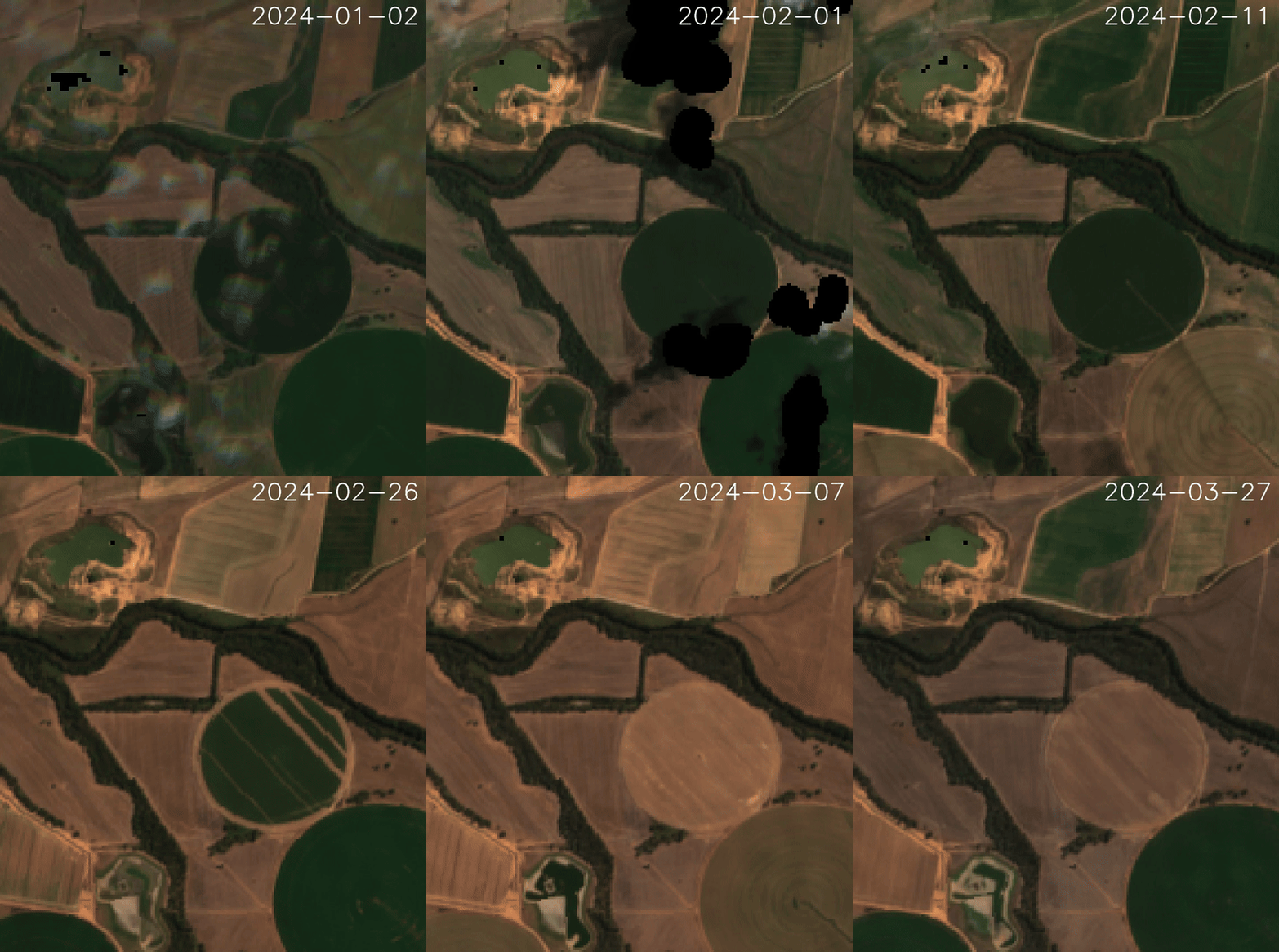
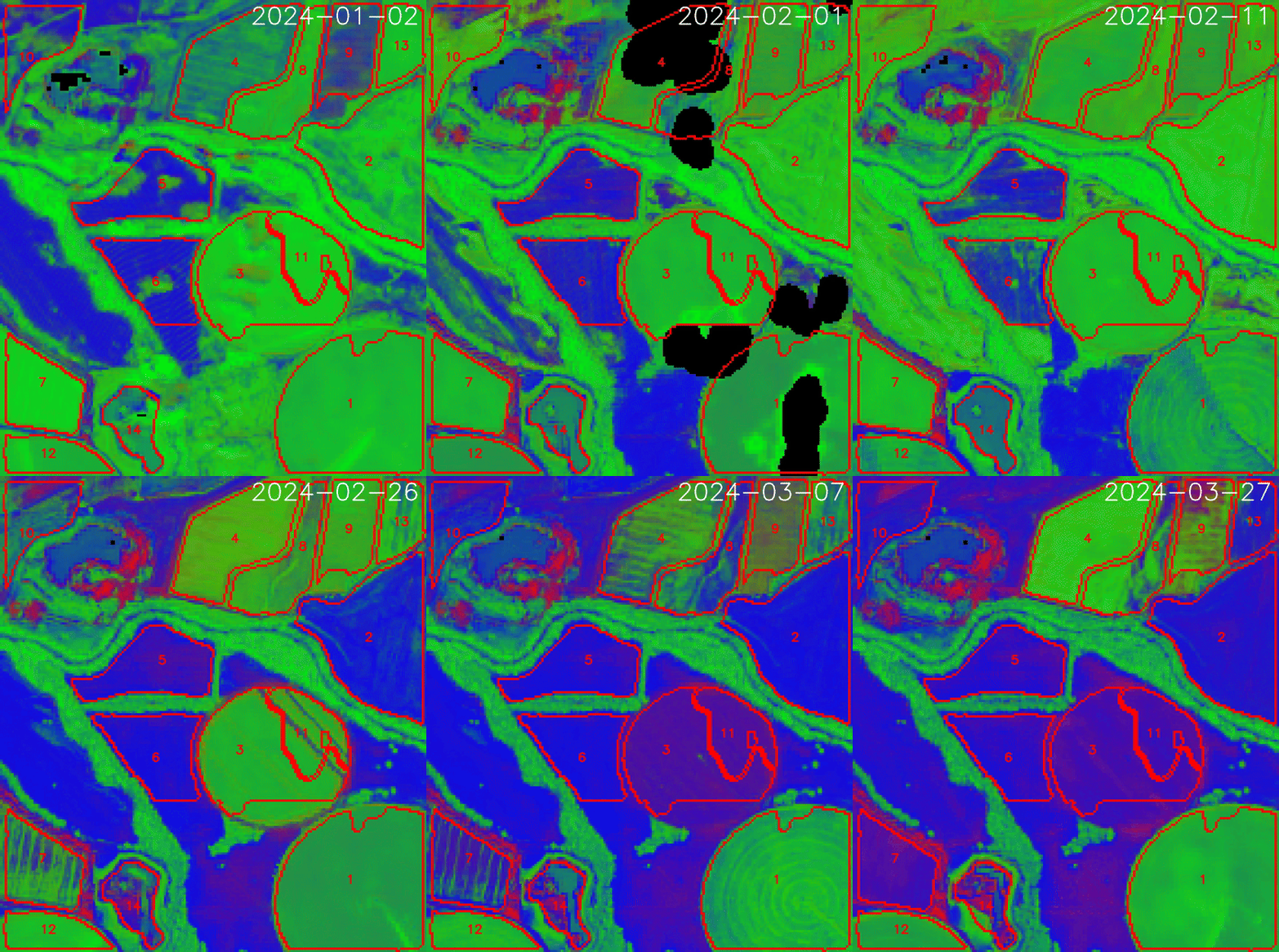
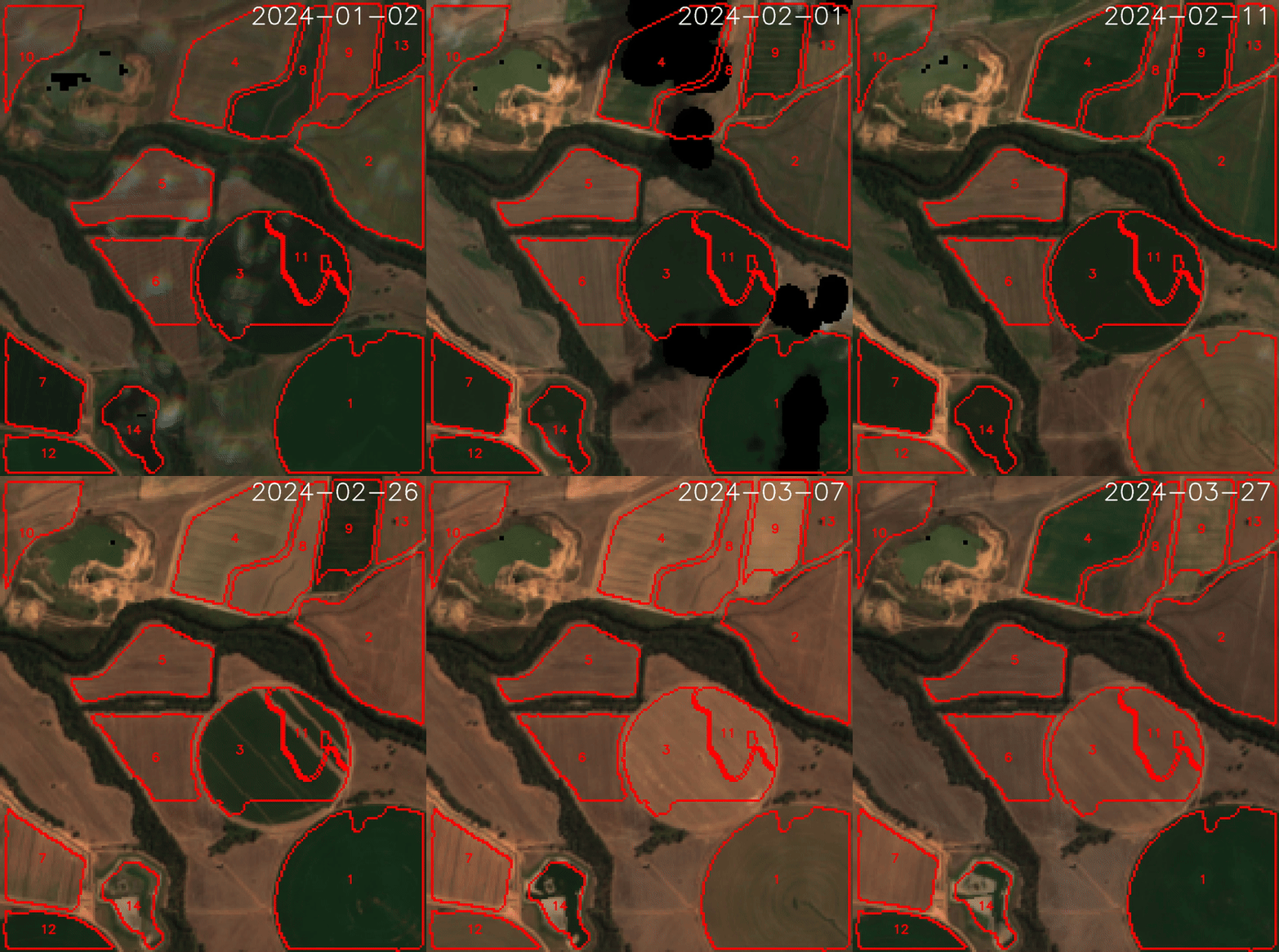
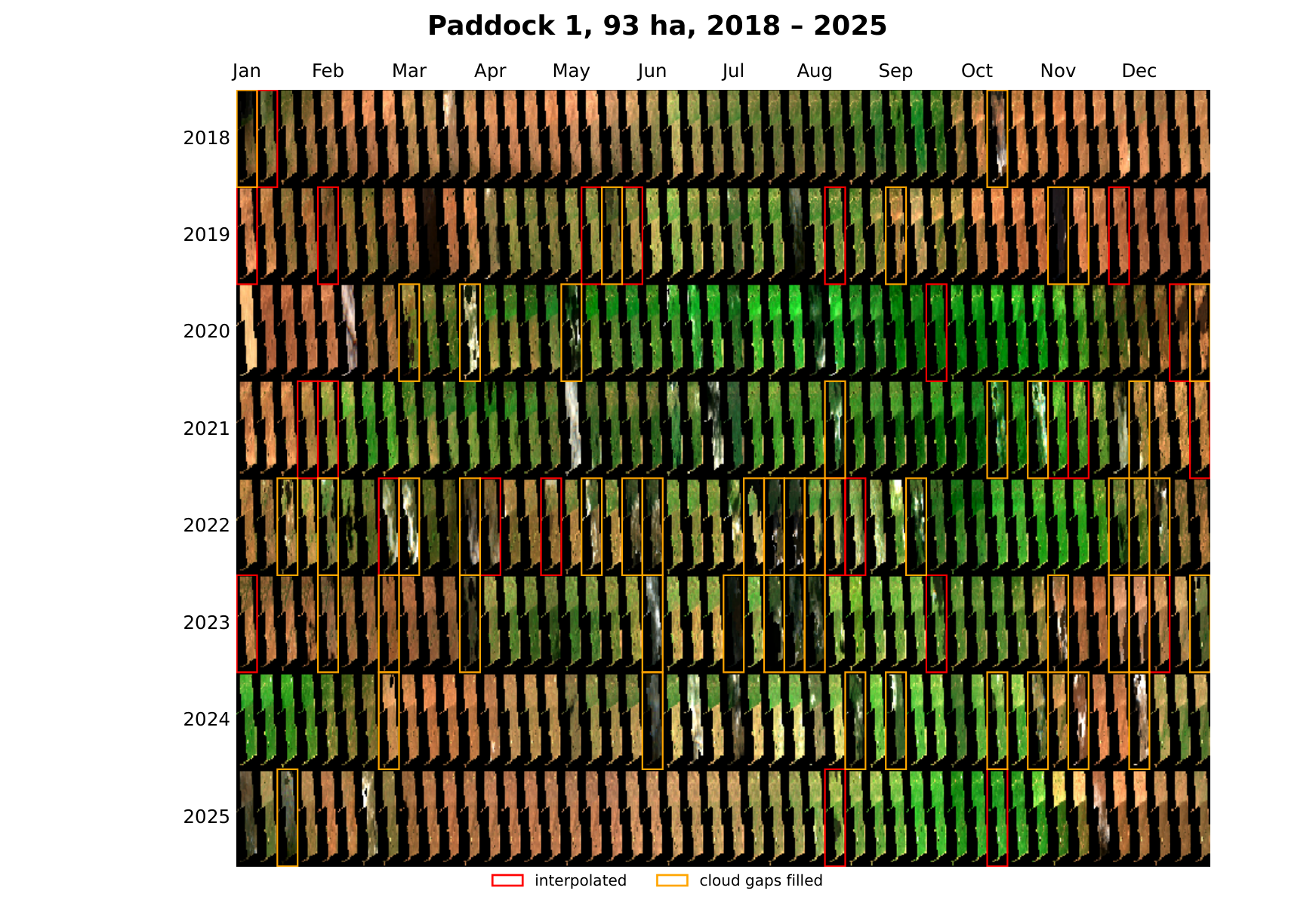
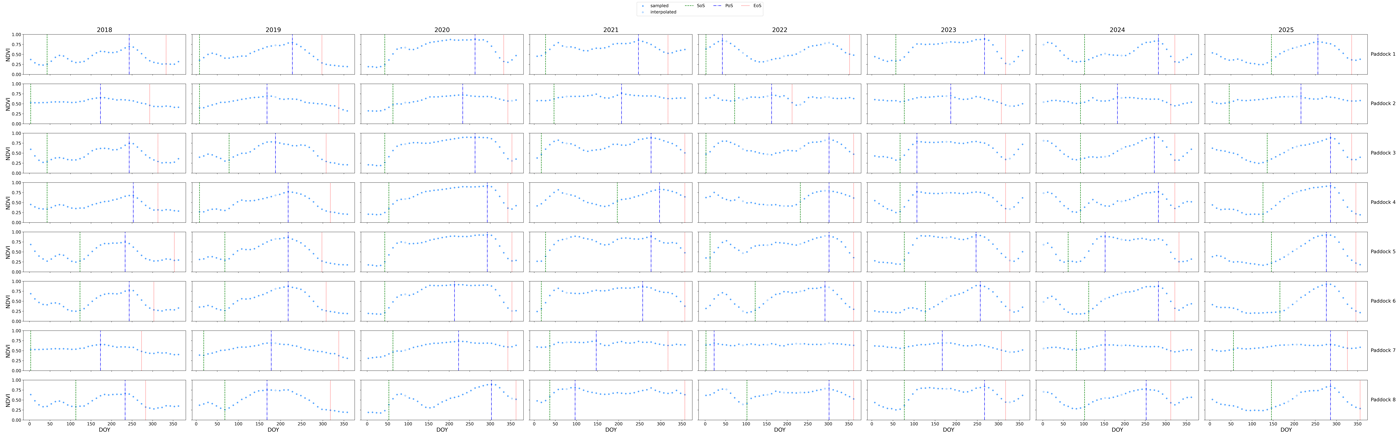
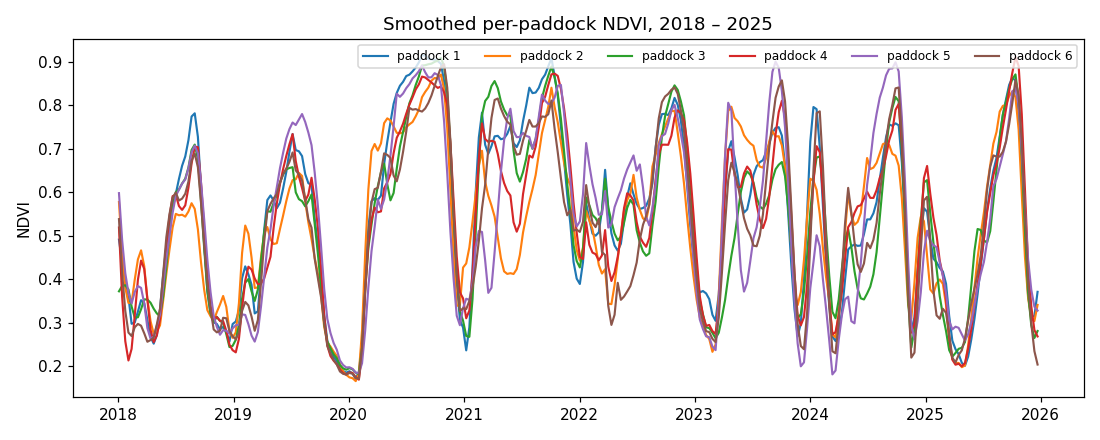
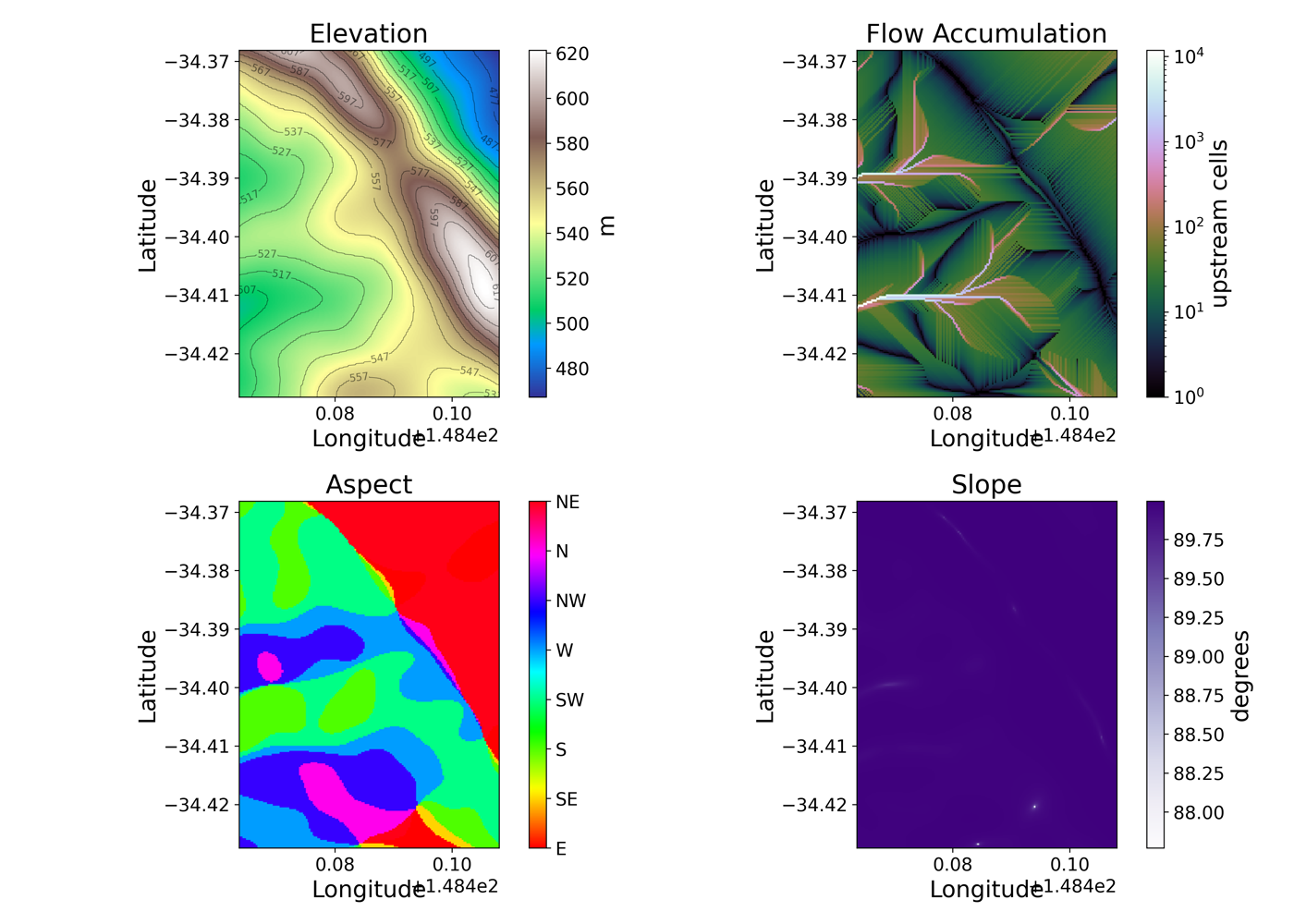
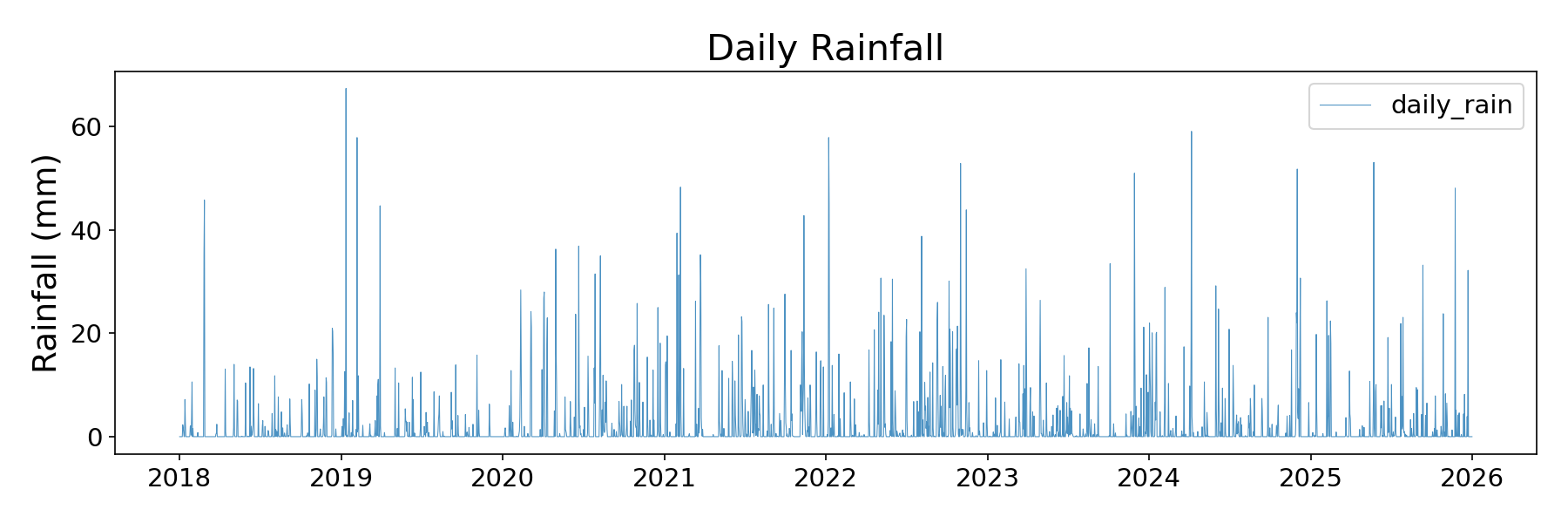
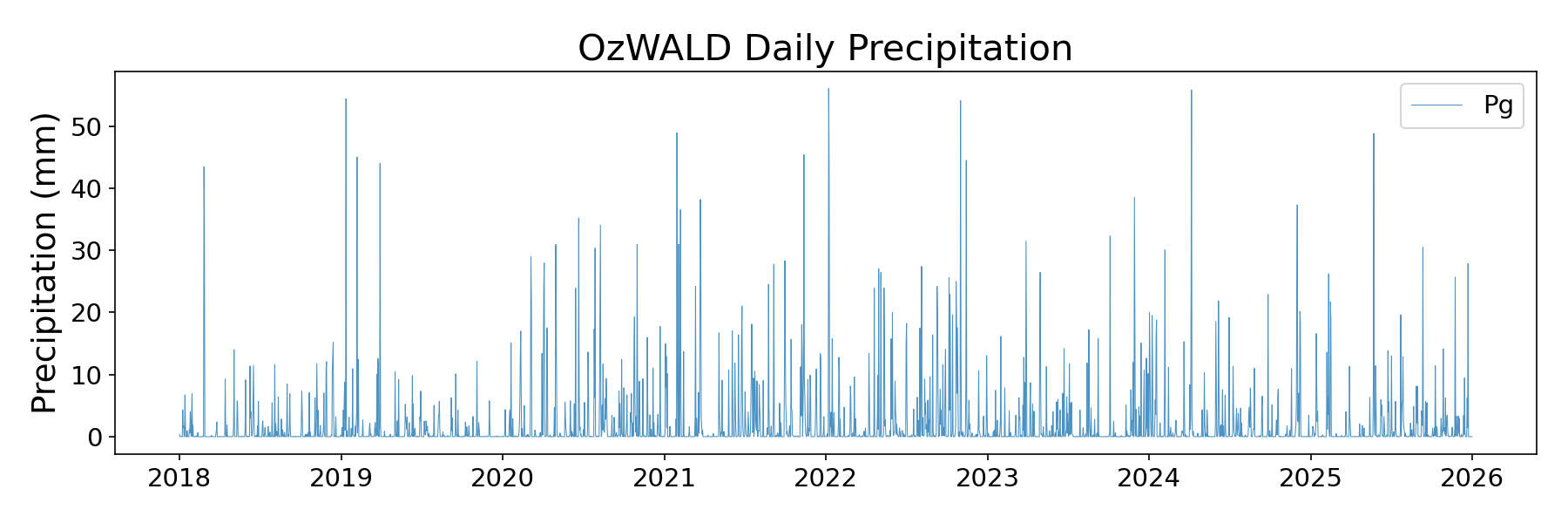
Intermediates live in two places, both safe to delete between runs:
tmp_dir/<stub>/— the per-paddock time-series Zarrs (sam_paddocks_timeseries.zarr, the smoothed variant, and one Zarr per year with adoycoordinate).tmp_dir/paddockts/<bbox_hash>/<time_hash>/— the region × time cache (fractional-cover Zarr, presegmentation image, SAM masks and polygons), shared by every stub over the same bbox and dates.
Sentinel-2 imagery itself is not stored per-troi at all: it lives in
the machine-wide pysentinel2 cube, and overlapping troi windows
re-download nothing.
Caching contract
Every cached output is guarded by a _SUCCESS marker file written
after the data write completes:
- Zarr cubes:
path/to/foo.zarr/_SUCCESS - GeoTIFFs / GeoPackages:
path/to/foo.tif._SUCCESS
On startup each stage checks for both the data file and the marker. A
data file without its marker means a previous run was killed mid-write
(OOM, kill -9, network drop) and the stage refetches/recomputes. Pass
reload=True to get_outputs to force a clean rebuild.
Tests
The automated offline suite (synthetic inputs, no network or credentials) runs with pytest and on every push via GitHub Actions:
End-to-end acceptance scripts against the live data services live in
test/.
Next steps
- Pipeline — what each stage does, what it caches, and how to skip or replace it.
- API reference — full public API with runnable examples for every function.